This SABRENT 4 Port USB 2.0 Hub review looks at a compact way to add four USB connections to a compatible device.
Its rotatable connector and lightweight design suit simple peripheral setups, though it is not designed to charge connected devices.
SABRENT USB Hub Review Summary
The quick verdict
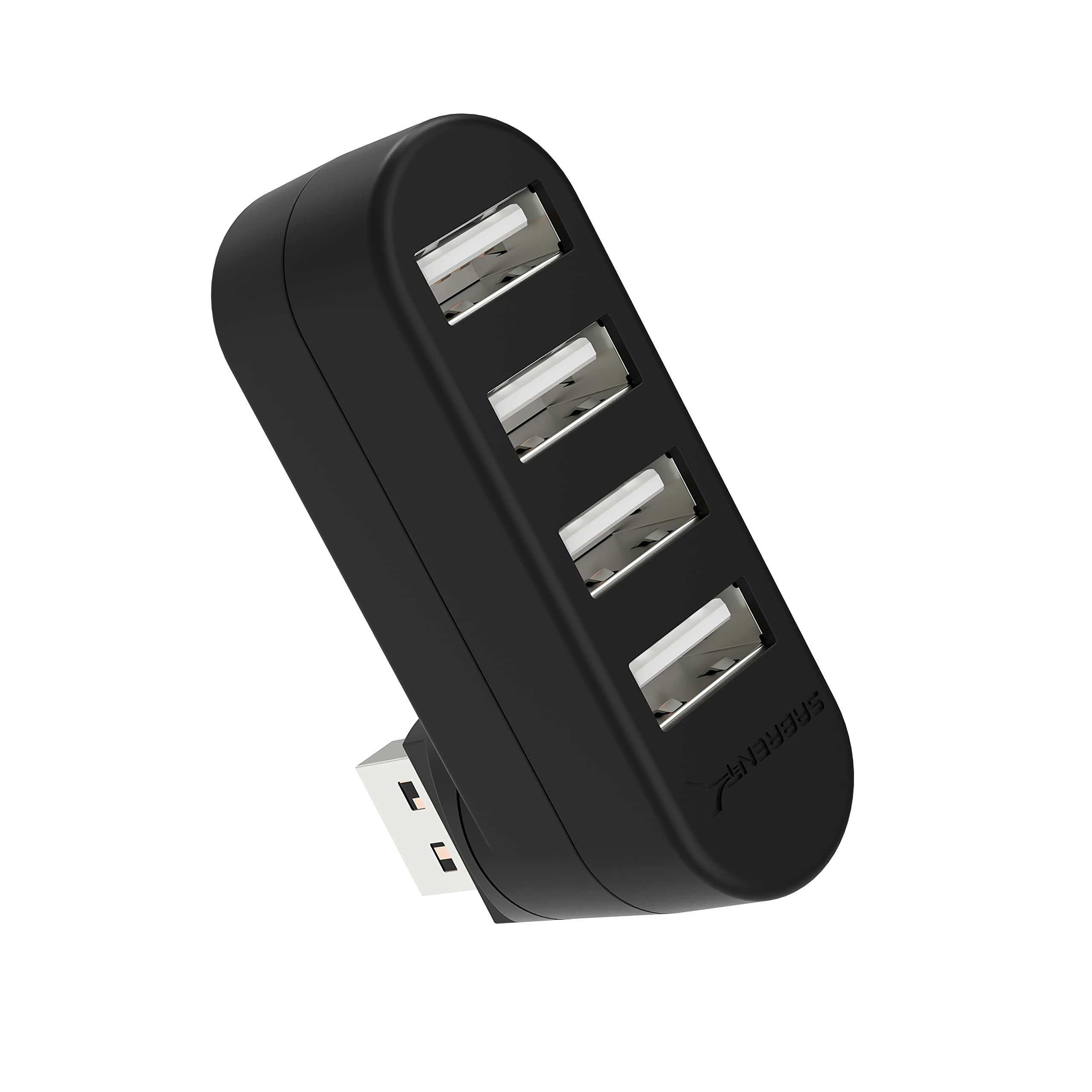
16,000+ ratings
Read Amazon ReviewsSABRENT 4-Port USB 2.0 Hub
A compact fit for users who need four USB 2.0 ports and a rotatable connector, without charging support.
- Four USB 2.0 ports provide additional connections for compatible USB devices.
- Rotating USB connector adjusts to 90° or 180° positions.
- Plug-and-play setup supports quick connection without a described setup process.
- Hot-swappable and hot-pluggable operation supports connecting or disconnecting devices while in use.

Pros
- Adds four ports in a small, light form.
- Rotating connector provides useful placement flexibility.
Consider before buying
- USB 2.0 is slower than USB 3.0 hubs, particularly for moving large files to external storage.
- Charging is not supported, so connected devices should not rely on this hub for power replenishment.
Read the full review summary
The HB-UMN4 focuses on a straightforward job: turning one compatible USB connection into four USB 2.0 ports.
Its plug-and-play, hot-swappable design keeps setup simple, while the connector’s 90°/180° rotation offers some flexibility when the hub is attached to a computer or another device.
This is a sensible match for keyboards, mice, and other modest USB peripherals when USB 2.0 speeds are sufficient. Its small plastic body and one-ounce weight also make it easy to carry.
Buyers should look elsewhere if they need USB 3.0 transfer speeds, charging support, or a powered hub.
The buying factors
SABRENT USB Hub Scorecard
Editorial scores reflect listed features and buyer fit; they are not laboratory measurements or customer ratings.
Port expansion
Adds four USB 2.0 ports through a single connection, a useful bump for everyday peripherals.
Connector flexibility
The connector rotates 90° or 180°, which can help accommodate different device orientations.
Portability
The compact, lightweight design is well suited to carrying in a laptop bag.
Setup simplicity
Plug-and-play and hot-swappable operation support a straightforward connection process.
Data speed
USB 2.0 is adequate for many basic peripherals, but it is a limiting choice for faster storage transfers.
Charging suitability
Charging is not supported, so it is not a fit for buyers seeking a charging hub.
Key Features and Specifications of SABRENT USB Hub
- Four USB 2.0 ports provide additional connections for compatible USB devices.
- Rotating USB connector adjusts to 90° or 180° positions.
- Plug-and-play setup supports quick connection without a described setup process.
- Hot-swappable and hot-pluggable operation supports connecting or disconnecting devices while in use.
- Compatible with Windows, Mac, and Linux systems.
- Compact plastic enclosure measures about 2.3 × 0.7 × 1.7 inches and weighs one ounce.
- USB 2.0 data transfer rate is listed as up to 480 megabits per second; charging is not supported.
Pros and Cons of SABRENT USB Hub
Pros
- Adds four ports in a small, light form.
- Rotating connector provides useful placement flexibility.
- Simple plug-and-play design works across Windows, Mac, and Linux.
- Hot-swappable operation suits peripherals that may be connected or removed during use.
Consider before buying
- USB 2.0 is slower than USB 3.0 hubs, particularly for moving large files to external storage.
- Charging is not supported, so connected devices should not rely on this hub for power replenishment.
- The compact connector-mounted design may be less convenient if your device’s USB port is hard to reach or needs more cable clearance; check the port layout before buying.
Who Should Buy SABRENT USB Hub?
Good fit
Consider the HB-UMN4 if your laptop or desktop has too few USB connections for a keyboard, mouse, or other basic accessories.
Four added ports can make a simple desk setup more manageable without bringing a larger hub or separate power adapter into the arrangement.
It is also worth considering for travel.
At one ounce and with a compact footprint, it can fit easily alongside a laptop, and the rotating connector gives you a way to change the hub’s orientation to suit the available space.
Before choosing it, confirm that your host device has a compatible USB connection and that USB 2.0 speeds meet your needs.
If you plan to use external drives or need device charging, select a hub built for those jobs instead.
Who should skip it
Skip this model if your routine depends on USB 3.0 or faster data transfers.
Its listed USB 2.0 rate is up to 480 megabits per second, making it a better match for basic peripherals than frequent large file transfers.
Choose another design if you need charging support or want to keep the hub connected through a cable for more flexible placement.
The described design does not support charging, and its compact form attaches at the host’s USB connection.
How the SABRENT USB Hub fits everyday setups
Four ports for basic peripherals
The main benefit is simple expansion: one compatible connection becomes four USB 2.0 ports. That can help when a computer has limited ports and the connected devices are modest peripherals such as a keyboard or mouse.
Consider the total devices you expect to connect and whether any rely on higher transfer speeds.
A connector that changes orientation
The hub’s connector rotates to 90° or 180° positions. This gives users some choice in how the hub sits relative to the host device, which may help when a straight alignment is awkward.
Check the surrounding port layout and nearby cables to make sure the hub can rotate into a useful position.
USB 2.0 sets the pace
The listed transfer rate is up to 480 megabits per second, which places this hub in the USB 2.0 category. For everyday input devices, that may be a reasonable tradeoff for a small four-port adapter.
Storage devices and repeated large file transfers are better served by a higher-speed hub.
Portable, with a clear power limit
The one-ounce plastic body is compact enough to carry, and plug-and-play, hot-swappable use keeps its role uncomplicated.
Charging is not supported, so buyers should treat it as a port expander for data and peripherals rather than a charging solution.
Alternatives to SABRENT USB Hub
USB Hubs alternative
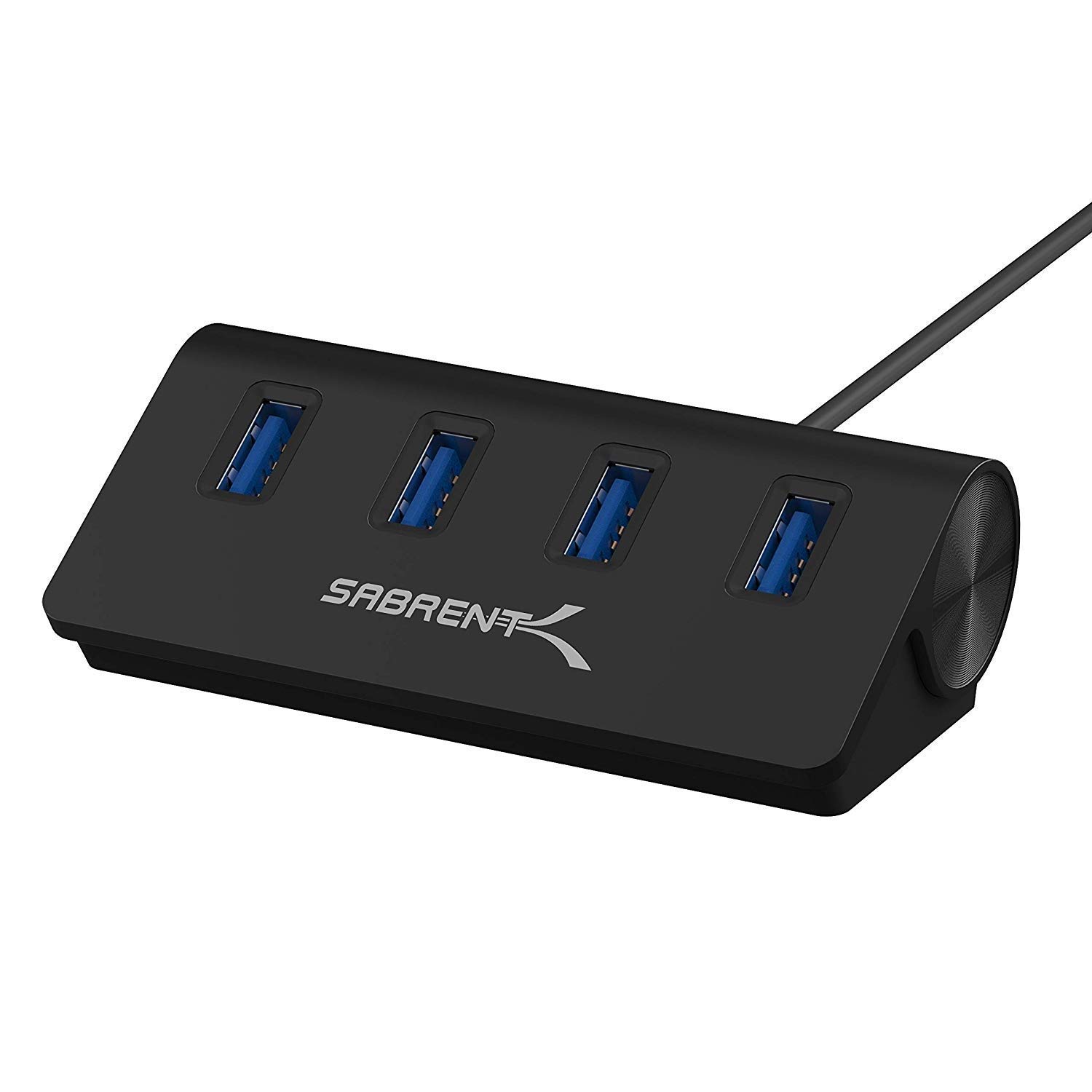
2,000+ ratings
Read Amazon ReviewsSABRENT 4-Port Aluminum USB 3.0 Hub
Choose the HB-UMN4 if its USB 2.0 speed is enough and you want its rotating connector design. The HB-MC3B is a better fit when faster transfers and cable placement matter more.
- This four-port model uses USB 3.0 and supports transfer rates up to 5Gbps, with a 2.5-foot cable and aluminum construction.
- The HB-UMN4 provides four USB 2.0 ports in a compact hub with a rotating connector, and charging is not supported.
USB Hubs alternative
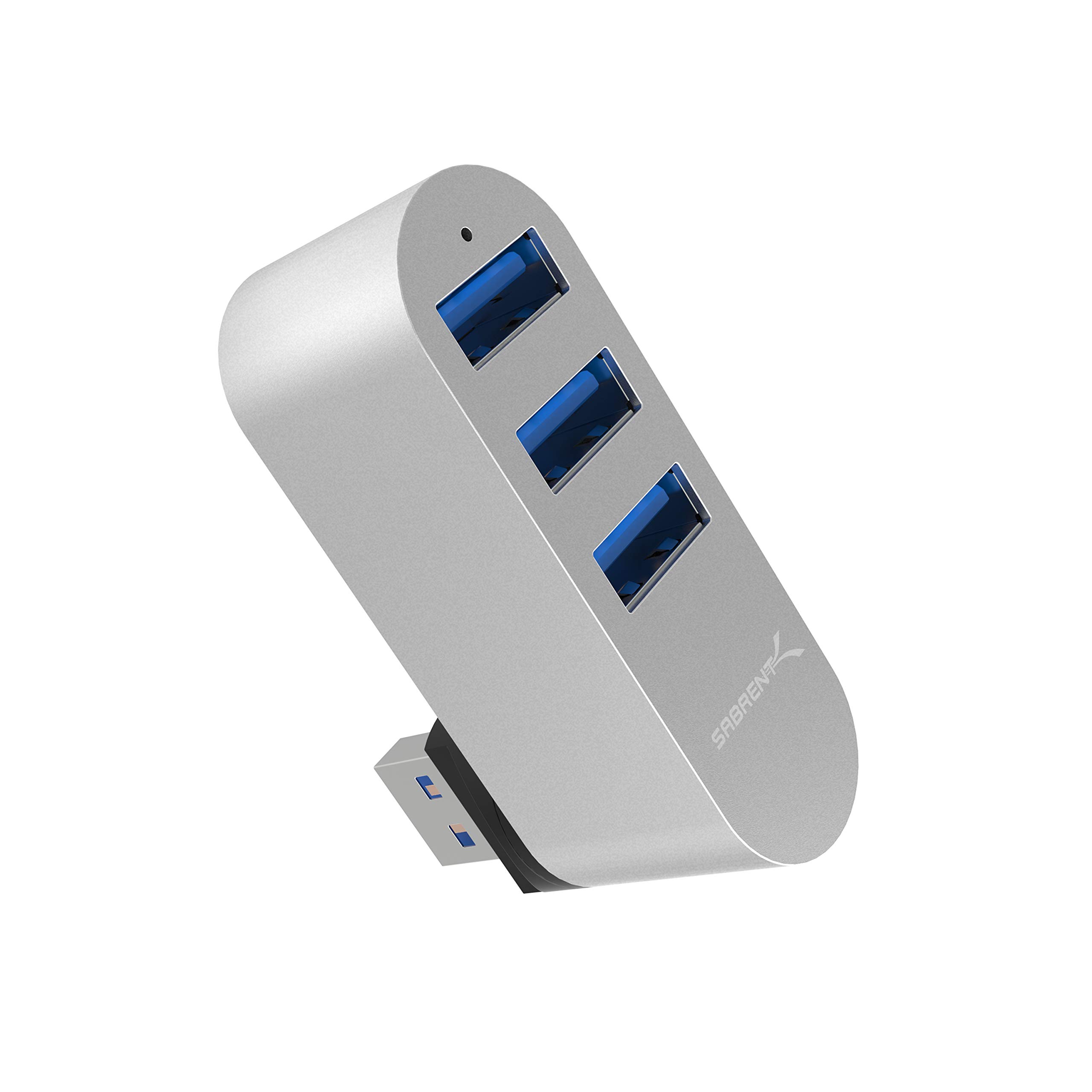
9,000+ ratings
Read Amazon ReviewsSABRENT 3-Port Aluminum Mini USB 3.0 Hub
Consider the HB-R3MC if you can work with one fewer port and prefer USB 3.0 speeds and aluminum construction. The HB-UMN4 better suits buyers who need four ports and do not require USB 3.0.
- The HB-R3MC provides three USB 3.0 ports in an aluminum mini hub and also has a connector that rotates 90° or 180°.
- The HB-UMN4 offers four USB 2.0 ports and a rotating connector in a compact plastic design.
Is SABRENT USB Hub Worth It?
The SABRENT 4-Port USB 2.0 Hub is worth considering when you need four basic USB connections in a compact form. Its rotating connector, light build, and simple setup make it a practical option for a small peripheral kit.
Its appeal depends on accepting USB 2.0 speeds and no charging support.
If those limits suit your devices and routine, this is a straightforward port expander; for faster storage transfers or charging, choose a hub designed for those needs.
Your review at a glance
16,000+ ratings
Read Amazon ReviewsSABRENT 4-Port USB 2.0 Hub
A compact fit for users who need four USB 2.0 ports and a rotatable connector, without charging support.
- Four USB 2.0 ports provide additional connections for compatible USB devices.
- Rotating USB connector adjusts to 90° or 180° positions.
- Plug-and-play setup supports quick connection without a described setup process.
- Hot-swappable and hot-pluggable operation supports connecting or disconnecting devices while in use.