This tp link ax3000 review looks at the RE715X as a coverage-focused option for homes with Wi-Fi dead zones and an EasyMesh-compatible router.
Its dual-band Wi-Fi 6 design, Ethernet port, and access point mode make it flexible, but an extender works with the signal it receives rather than increasing the internet speed coming from the router.
TP-Link RE715X Review Summary
The quick verdict
4,000+ ratings
Read Amazon ReviewsTP-Link RE715X
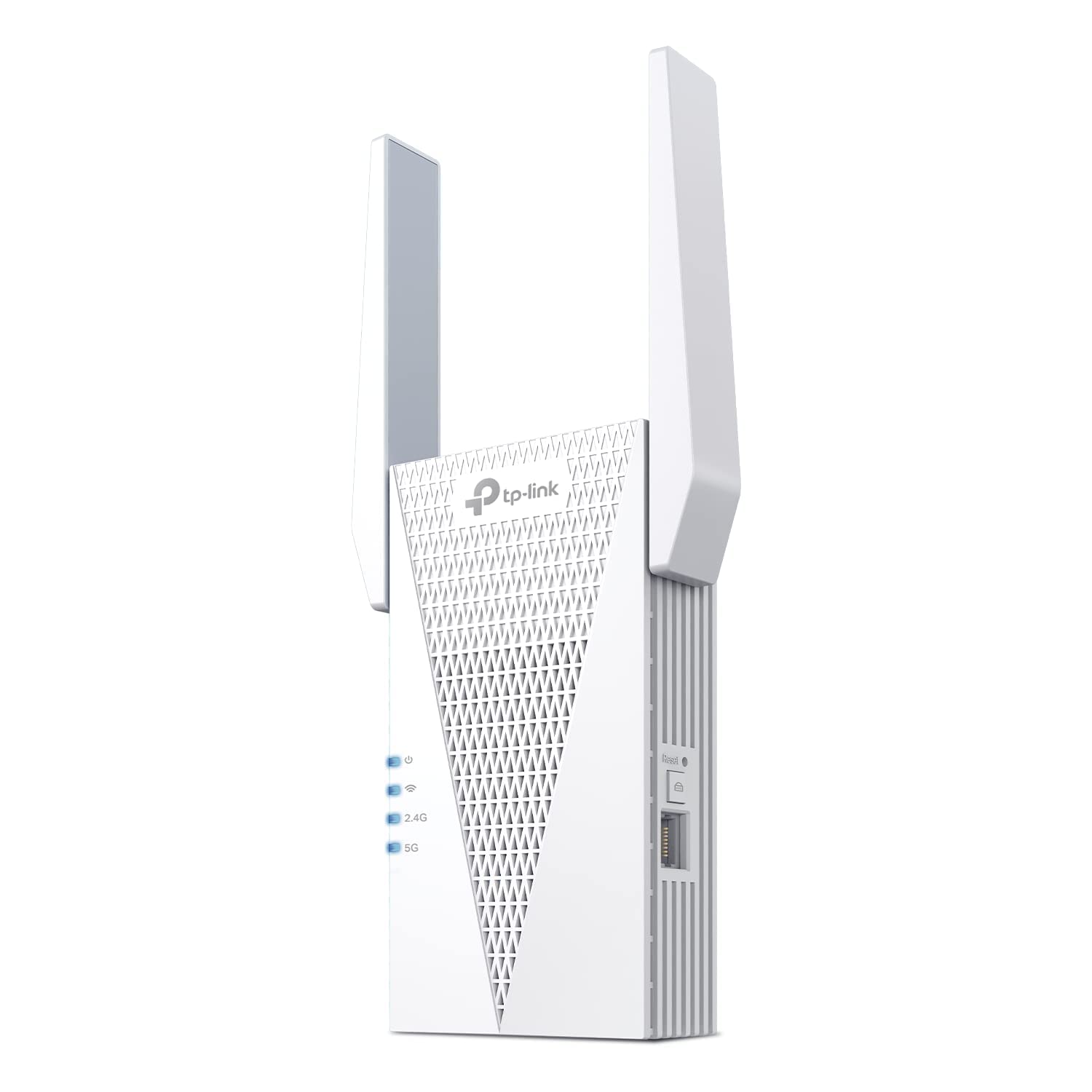
A fit for homes that need broader Wi-Fi coverage, EasyMesh compatibility, and a gigabit Ethernet connection for a nearby wired device.
- Dual-band Wi-Fi 6 with maximum rates of up to 2,404 Mbps on 5 GHz and up to 574 Mbps on 2.4 GHz.
- Coverage claim of up to 2,400 square feet and support for up to 64 devices.
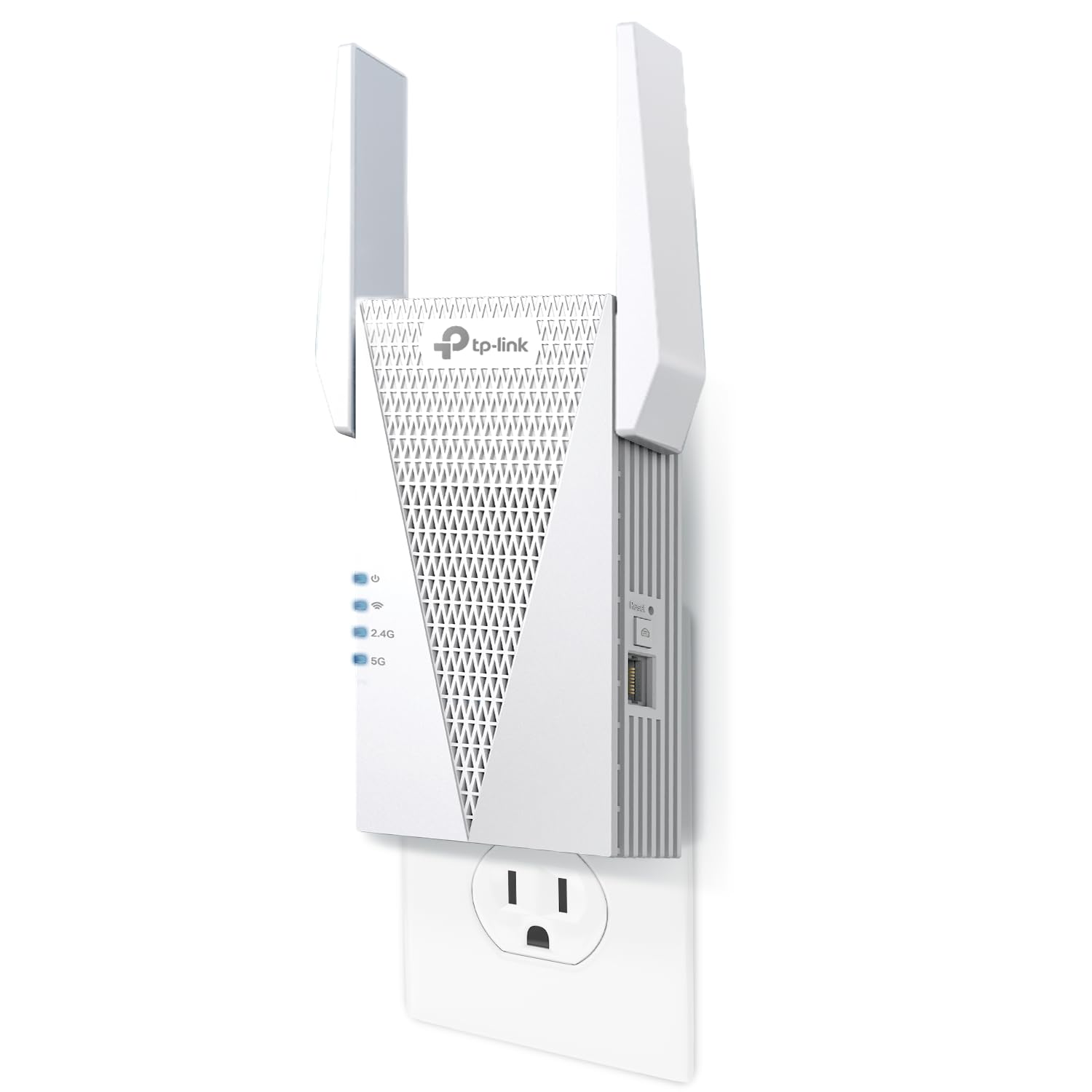
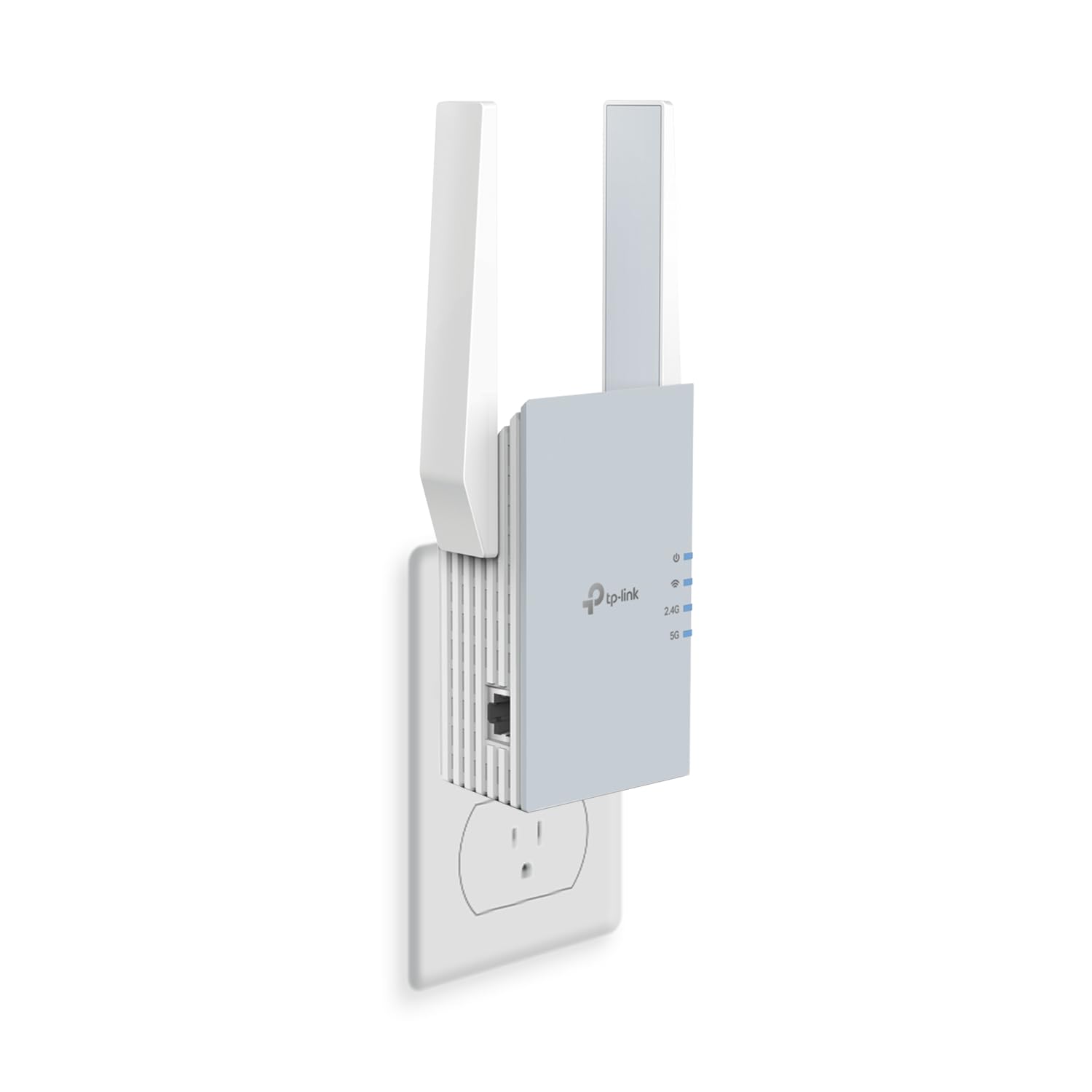
- Two high-gain directional antennas and Beamforming technology designed to improve signal strength, reliability, and range.
- Gigabit Ethernet port for a wired device or access point mode, which turns a wired connection into a Wi-Fi hotspot.

Pros
- Higher listed wireless rates and a larger claimed coverage area than many basic dual-band extenders.
- Ethernet and access point modes give it a role in both wireless extension and wired-network setups.
Consider before buying
- It is intended to improve coverage, not increase the speed of the internet connection; the product notes actual speeds may be 50% or less of current speeds.
- The EasyMesh compatibility does not extend to Deco mesh systems.
Read the full review summary
The RE715X combines a claimed coverage area of up to 2,400 square feet with support for up to 64 devices, dual-band Wi-Fi 6, and two high-gain directional antennas with Beamforming.
Its listed maximum wireless rates are up to 2,404 Mbps on 5 GHz and up to 574 Mbps on 2.4 GHz.
These are useful design targets, but actual range and throughput depend on placement, distance, obstacles, and the existing connection.
Consider it if your router still provides a usable signal near the area you want to cover, or if you can connect the extender to a wired network in access point mode.
EasyMesh compatibility may also suit a network built around a compatible router. Check that compatibility before buying: this model is not compatible with TP-Link Deco mesh systems.
The buying factors
TP-Link RE715X Scorecard
Editorial scores reflect listed features and buyer fit; they are not laboratory measurements or customer ratings.
Coverage potential
The claimed coverage reaches up to 2,400 square feet, with directional antennas and Beamforming intended to help extend the signal.
Wireless capacity
Dual-band Wi-Fi 6 rates reach up to 2,404 Mbps on 5 GHz and 574 Mbps on 2.4 GHz, with support for up to 64 devices.
Wired connectivity
A gigabit Ethernet port supports connecting a nearby wired device or using the extender in access point mode.
Mesh flexibility
EasyMesh compatibility can help extend a compatible router's mesh network, though Deco systems are excluded.
Setup guidance
The Tether app and signal indicator are intended to help with setup and finding a suitable placement.
Speed expectations
The extender addresses coverage rather than adding internet speed, and the product notes that actual speeds may be 50% or less of current speeds.
Key Features and Specifications of TP-Link RE715X
- Dual-band Wi-Fi 6 with maximum rates of up to 2,404 Mbps on 5 GHz and up to 574 Mbps on 2.4 GHz.
- Coverage claim of up to 2,400 square feet and support for up to 64 devices.
- Two high-gain directional antennas and Beamforming technology designed to improve signal strength, reliability, and range.
- Gigabit Ethernet port for a wired device or access point mode, which turns a wired connection into a Wi-Fi hotspot.
- EasyMesh compatibility with compatible routers; not compatible with Deco mesh Wi-Fi systems.
- TP-Link Tether app setup for Android and iOS, plus an intelligent signal indicator to help find a placement.
Pros and Cons of TP-Link RE715X
Pros
- Higher listed wireless rates and a larger claimed coverage area than many basic dual-band extenders.
- Ethernet and access point modes give it a role in both wireless extension and wired-network setups.
- EasyMesh support can make it a practical addition to a compatible router-based mesh network.
- The signal indicator offers a useful placement aid when choosing where to plug it in.
Consider before buying
- It is intended to improve coverage, not increase the speed of the internet connection; the product notes actual speeds may be 50% or less of current speeds.
- The EasyMesh compatibility does not extend to Deco mesh systems.
- Coverage and throughput depend on the router's signal, placement, obstacles, and distance, so the maximum figures are not guaranteed throughout a home.
Who Should Buy TP-Link RE715X?
Good fit
Buy the RE715X if a particular room or floor receives a weak but still usable signal and you want an extender with Wi-Fi 6, a gigabit Ethernet port, and app-guided placement.
The claimed capacity for up to 64 devices may appeal to a busy household, though the best results still depend on where the extender can receive a strong connection from the router.
It is also worth considering if you have a compatible EasyMesh router and want to extend that network, or if a wired connection is available and access point mode fits your layout.
Confirm your router's EasyMesh support first, especially if you use a mesh system.
Treat the coverage area and wireless rates as upper limits, not a promise of uniform performance.
For a fair chance at good results, use the signal indicator to find a location where the extender can receive a healthy signal while still being close enough to the problem area.
Who should skip it
Skip this model if your main problem is a slow internet plan or a weak connection reaching the router itself. An extender can improve Wi-Fi coverage, but it does not create additional internet bandwidth.
Look for another approach if your network depends on a Deco mesh system or if you require a guaranteed speed or coverage level across a specific floor plan.
The product's maximum figures vary in practice with distance, devices, and obstacles.
TP-Link RE715X: What the AX3000 Design Means for Home Coverage
Coverage depends on placement
The RE715X's claimed reach of up to 2,400 square feet and directional antennas make it a candidate for filling a coverage gap.
The extender still needs a workable signal from the router, so a spot between the router and the weak area is a more sensible starting point than placing it where the signal has already disappeared.
Use the indicator to help compare locations.
Understand the dual-band rates
The maximum rates are up to 2,404 Mbps on 5 GHz and up to 574 Mbps on 2.4 GHz. They describe the extender's wireless bands, not a guaranteed internet speed for every connected device.
The product cautions that extender speeds can be 50% or less of current speeds, which makes signal quality and the distance between devices important parts of the buying decision.
Ethernet adds a second setup option
The gigabit Ethernet port can connect a wired device near the extender, while access point mode can use a wired connection to create a Wi-Fi hotspot.
That flexibility is useful when the room has Ethernet wiring or a device that benefits from a cable.
If you plan to rely on a wired source, check that the connection is available where you intend to place the unit.
Check mesh compatibility first
EasyMesh support may help the RE715X work as part of a compatible router-based mesh setup, and adaptive roaming is intended to connect devices to the strongest signal as they move.
Compatibility is not universal across mesh products: Deco systems are specifically excluded. Confirm the exact router and system before treating mesh integration as a deciding feature.
Alternatives to TP-Link RE715X
Repeaters alternative
1,000+ ratings
Read Amazon ReviewsTP-Link RE615X
Choose the RE715X if its higher listed 5 GHz rate and larger claimed coverage area better match your needs.
The RE615X may be a better fit when its lower stated capacity is sufficient and you want similar Ethernet and EasyMesh features.
- The RE615X lists up to 1,201 Mbps on 5 GHz and 574 Mbps on 2.4 GHz, with coverage up to 2,100 square feet and support for up to 64 devices.
- It also has a gigabit Ethernet port and EasyMesh compatibility.
- The RE715X lists up to 2,404 Mbps on 5 GHz, up to 574 Mbps on 2.4 GHz, and coverage up to 2,400 square feet.
Repeaters alternative
400+ ratings
Read Amazon ReviewsTP-Link RE515X
The RE515X is a reasonable alternative if its smaller claimed coverage area and lower listed rates suit your requirements while Ethernet, access point mode, and EasyMesh remain useful.
Favor the RE715X when its higher maximum rates and coverage claim matter more.
- The RE515X lists up to 1,201 Mbps on 5 GHz and up to 300 Mbps on 2.4 GHz, with coverage up to 1,800 square feet and support for up to 64 devices.
- It includes a gigabit Ethernet port, access point mode, and EasyMesh compatibility.
- The RE715X offers a claimed coverage area of up to 2,400 square feet, with rates of up to 2,404 Mbps on 5 GHz and 574 Mbps on 2.4 GHz.
Is TP-Link RE715X Worth It?
The TP-Link RE715X is worth considering when the problem is Wi-Fi coverage and the router can provide a solid signal to the extender's location.
Wi-Fi 6, EasyMesh support, app-guided placement, and Ethernet and access point options give it flexibility for different home layouts.
Buy after checking router compatibility and setting realistic speed expectations. Its maximum coverage and rates are not guaranteed in every home, and it will not raise the speed supplied by your internet connection.
Your review at a glance
4,000+ ratings
Read Amazon ReviewsTP-Link RE715X
A fit for homes that need broader Wi-Fi coverage, EasyMesh compatibility, and a gigabit Ethernet connection for a nearby wired device.
- Dual-band Wi-Fi 6 with maximum rates of up to 2,404 Mbps on 5 GHz and up to 574 Mbps on 2.4 GHz.
- Coverage claim of up to 2,400 square feet and support for up to 64 devices.
- Two high-gain directional antennas and Beamforming technology designed to improve signal strength, reliability, and range.
- Gigabit Ethernet port for a wired device or access point mode, which turns a wired connection into a Wi-Fi hotspot.