The TP-Link Archer BE230 brings Wi-Fi 7 features and two 2.5 Gbps ports to a dual-band home router.
This tp link be3600 review looks at its wired flexibility, coverage claims, and the tradeoff of skipping a 6 GHz band.
Archer BE230 Review Summary
The quick verdict
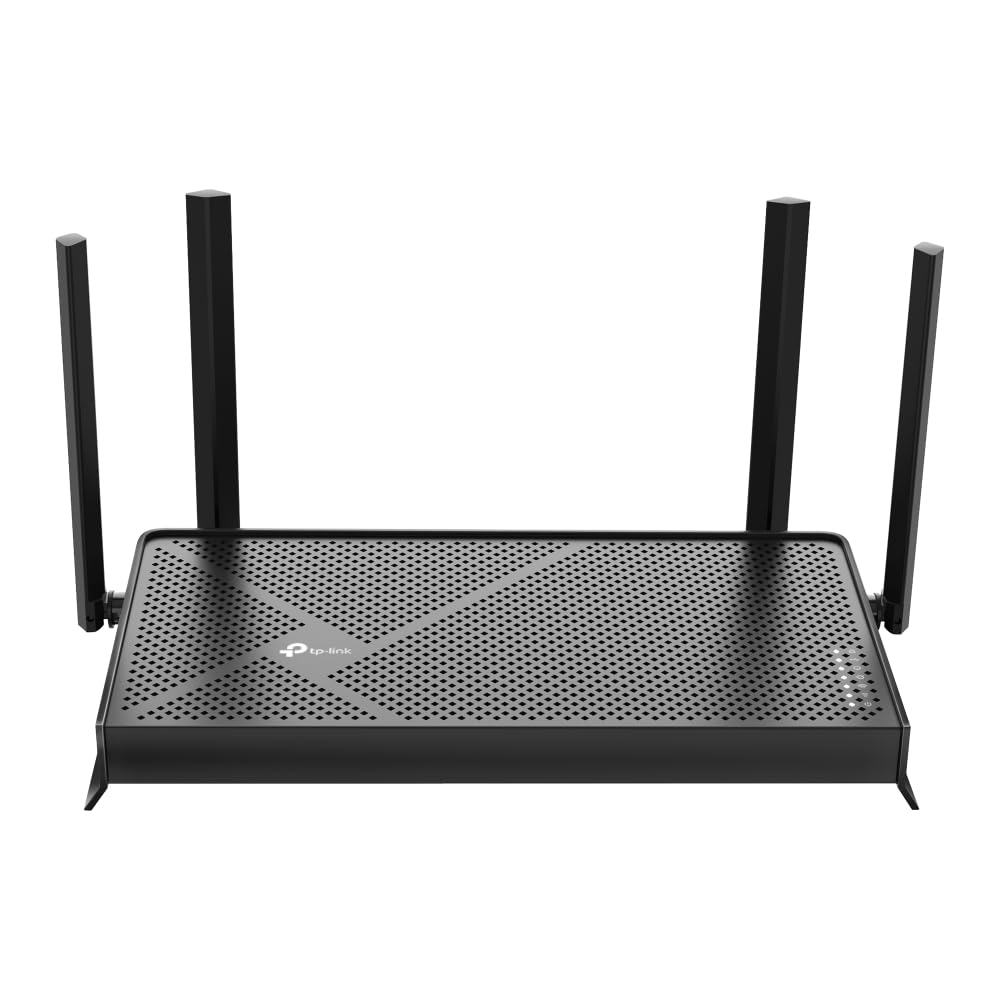
1,000+ ratings
Read Amazon ReviewsTP-Link Archer BE230
A fit for homes seeking Wi-Fi 7, multi-gig wired ports, and app-managed setup without needing a 6 GHz band.
- Dual-band Wi-Fi 7 with maximum rates of up to 2882 Mbps on 5 GHz and 688 Mbps on 2.4 GHz.
- Wi-Fi 7 features include Multi-Link Operation, Multi-RUs, and 4K-QAM.
- One 2.5 Gbps WAN/LAN port, one 2.5 Gbps LAN port, and three 1 Gbps LAN ports.
- Four internal antennas and beamforming, with stated coverage up to 2,000 square feet and up to 60 devices.

Pros
- Two 2.5 Gbps ports offer more wired headroom than an all-Gigabit arrangement.
- Wi-Fi 7 features are paired with backward compatibility for earlier Wi-Fi generations.
Consider before buying
- There is no 6 GHz band, which may matter to buyers who specifically want the additional spectrum associated with Wi-Fi 6E or tri-band Wi-Fi 7.
- The 2,000-square-foot and 60-device figures are upper limits; layout, walls, interference, and household activity can affect results.
Read the full review summary
The Archer BE230 is aimed at homes that want a current Wi-Fi standard, useful wired connections, and straightforward app-based setup in one router.
Its Wi-Fi 7 feature set includes Multi-Link Operation, Multi-RUs, and 4K-QAM, while its dual-band design offers up to 2882 Mbps on 5 GHz and 688 Mbps on 2.4 GHz.
Those figures are theoretical maximums; actual wireless performance depends on distance, obstacles, and other conditions.
It may suit a household with a multi-gig internet plan or wired devices that can use the 2.5 Gbps ports, plus a mix of newer and older wireless clients.
The stated coverage is up to 2,000 square feet and up to 60 devices, so buyers should treat those as planning limits rather than guarantees for every home.
A separate modem is required, and homes specifically seeking Wi-Fi 6E's 6 GHz band should look elsewhere.
The buying factors
Archer BE230 Scorecard
Editorial scores reflect listed features and buyer fit; they are not laboratory measurements or customer ratings.
Wi-Fi 7 feature set
MLO, Multi-RUs, and 4K-QAM provide a modern feature base, though this is a dual-band router without 6 GHz.
Wired connectivity
Two 2.5 Gbps ports, including one WAN/LAN port, stand out alongside three 1 Gbps LAN ports.
Coverage flexibility
The stated maximum is up to 2,000 square feet, with four internal antennas, beamforming, and EasyMesh compatibility.
Device capacity
The design is presented for up to 60 devices, a useful household target that remains dependent on usage and conditions.
Setup and management
The free Tether app is provided for setup, management, and firmware updates.
Band options
Dual-band operation keeps the design straightforward, but does not offer a 6 GHz band.
Key Features and Specifications of Archer BE230
- Dual-band Wi-Fi 7 with maximum rates of up to 2882 Mbps on 5 GHz and 688 Mbps on 2.4 GHz.
- Wi-Fi 7 features include Multi-Link Operation, Multi-RUs, and 4K-QAM.
- One 2.5 Gbps WAN/LAN port, one 2.5 Gbps LAN port, and three 1 Gbps LAN ports.
- Four internal antennas and beamforming, with stated coverage up to 2,000 square feet and up to 60 devices.
- EasyMesh compatibility with supported routers and range extenders for a mesh setup.
- Tether app setup and management, HomeShield network and IoT security features, and voice control compatibility with Amazon Alexa and Google Assistant.
Pros and Cons of Archer BE230
Pros
- Two 2.5 Gbps ports offer more wired headroom than an all-Gigabit arrangement.
- Wi-Fi 7 features are paired with backward compatibility for earlier Wi-Fi generations.
- EasyMesh support gives buyers a path to extend coverage using compatible equipment.
- The Tether app handles setup, management, and firmware updates.
Consider before buying
- There is no 6 GHz band, which may matter to buyers who specifically want the additional spectrum associated with Wi-Fi 6E or tri-band Wi-Fi 7.
- The 2,000-square-foot and 60-device figures are upper limits; layout, walls, interference, and household activity can affect results.
- A separate modem is required, and the router's multi-gig ports are most useful when the modem, internet plan, and wired clients can also take advantage of them.
Who Should Buy Archer BE230?
Good fit
Consider the Archer BE230 if you want a Wi-Fi 7 router for a typical home and value wired flexibility as much as wireless features.
The 2.5 Gbps WAN/LAN connection can pair with compatible multi-gig service, while the additional 2.5 Gbps LAN port gives a fast wired connection another place to go. Three Gigabit LAN ports remain available for ordinary wired devices.
It is also a reasonable candidate if you expect to mix Wi-Fi generations or may expand coverage later. Backward compatibility helps with older clients, and EasyMesh support provides an option to build a mesh network with compatible equipment.
Check the placement and room layout against your needs, especially if your home has multiple floors or dense walls.
Before buying, confirm that your modem and internet plan align with the router's WAN connection, and consider whether your devices can make practical use of multi-gig LAN.
If those pieces fit and you do not need 6 GHz, the BE230's combination of Wi-Fi 7, app management, and wired ports makes a balanced home networking choice.
Who should skip it
Skip this model if access to a 6 GHz band is central to your setup. Its dual-band design covers 2.4 GHz and 5 GHz only.
Consider a different coverage approach if your home is larger or more obstructed than the stated coverage figure suggests. EasyMesh can support expansion, but adding compatible equipment may be necessary for reliable whole-home coverage.
What the Archer BE230 Means for a Home Network
Wi-Fi 7 without 6 GHz
Wi-Fi 7 features such as MLO, Multi-RUs, and 4K-QAM are included, but the BE230 operates on two bands.
Buyers should distinguish the Wi-Fi generation from the number of bands: newer devices may benefit from its Wi-Fi 7 capabilities, while shoppers who specifically need 6 GHz should choose a model that includes it.
Two multi-gig ports add practical flexibility
The port arrangement is one of this router's clearest advantages.
One 2.5 Gbps port can serve as WAN or LAN, and a second is dedicated to LAN, giving compatible internet service and a wired device room to exceed a standard Gigabit link.
The three 1 Gbps LAN ports cover the rest of a wired setup, though the overall connection depends on the capabilities of connected equipment.
Coverage figures are planning guidance
The stated maximum of up to 2,000 square feet and support for up to 60 devices help frame the intended scale, but they cannot predict performance in every floor plan.
Four internal antennas and beamforming are designed to direct signals toward devices, and EasyMesh compatibility offers a route to expand with compatible gear.
Large or divided homes should plan around their layout rather than treating the maximum as assured coverage.
Management and household controls
The free Tether app is the setup and management route, including firmware updates. HomeShield adds network protection, parental controls, and IoT security features, while Alexa and Google Assistant compatibility allows voice commands.
Buyers who rely on particular security or parental-control functions should check that the available features match their household's needs.
Alternatives to Archer BE230
Computer Routers alternative
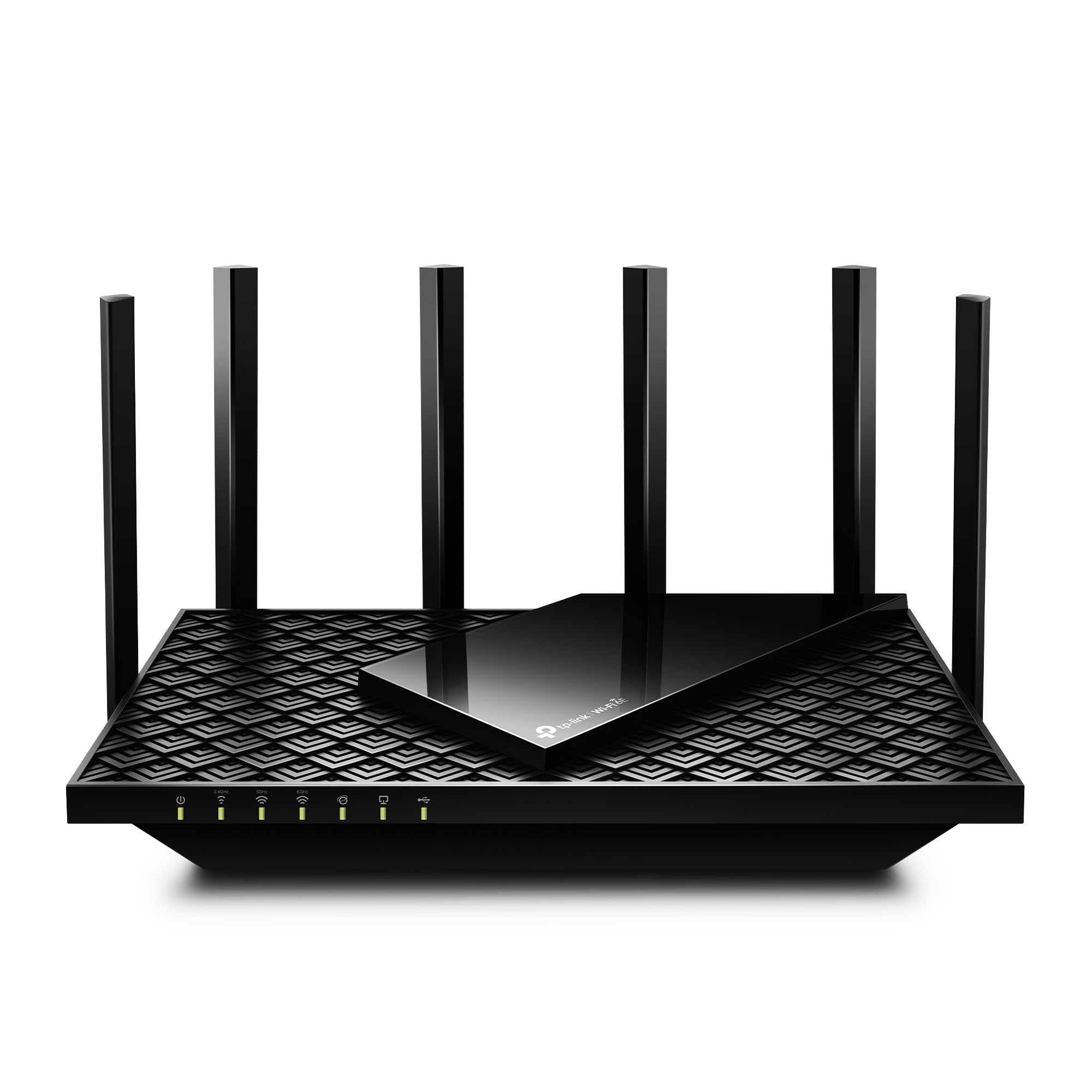
5,000+ ratings
Read Amazon ReviewsTP-Link Archer AXE75
Choose the BE230 if Wi-Fi 7 features and two 2.5 Gbps ports matter more than 6 GHz. The AXE75 better fits a buyer prioritizing a dedicated 6 GHz band and tri-band operation.
- The Archer AXE75 is a tri-band Wi-Fi 6E router with a 6 GHz band and a 2.5 Gbps WAN port.
- Its listed maximum combined wireless rate is up to 5400 Mbps, and it supports OneMesh with a compatible extender.
- The Archer BE230 offers Wi-Fi 7 on two bands, with two 2.5 Gbps ports and stated coverage up to 2,000 square feet.
Computer Routers alternative
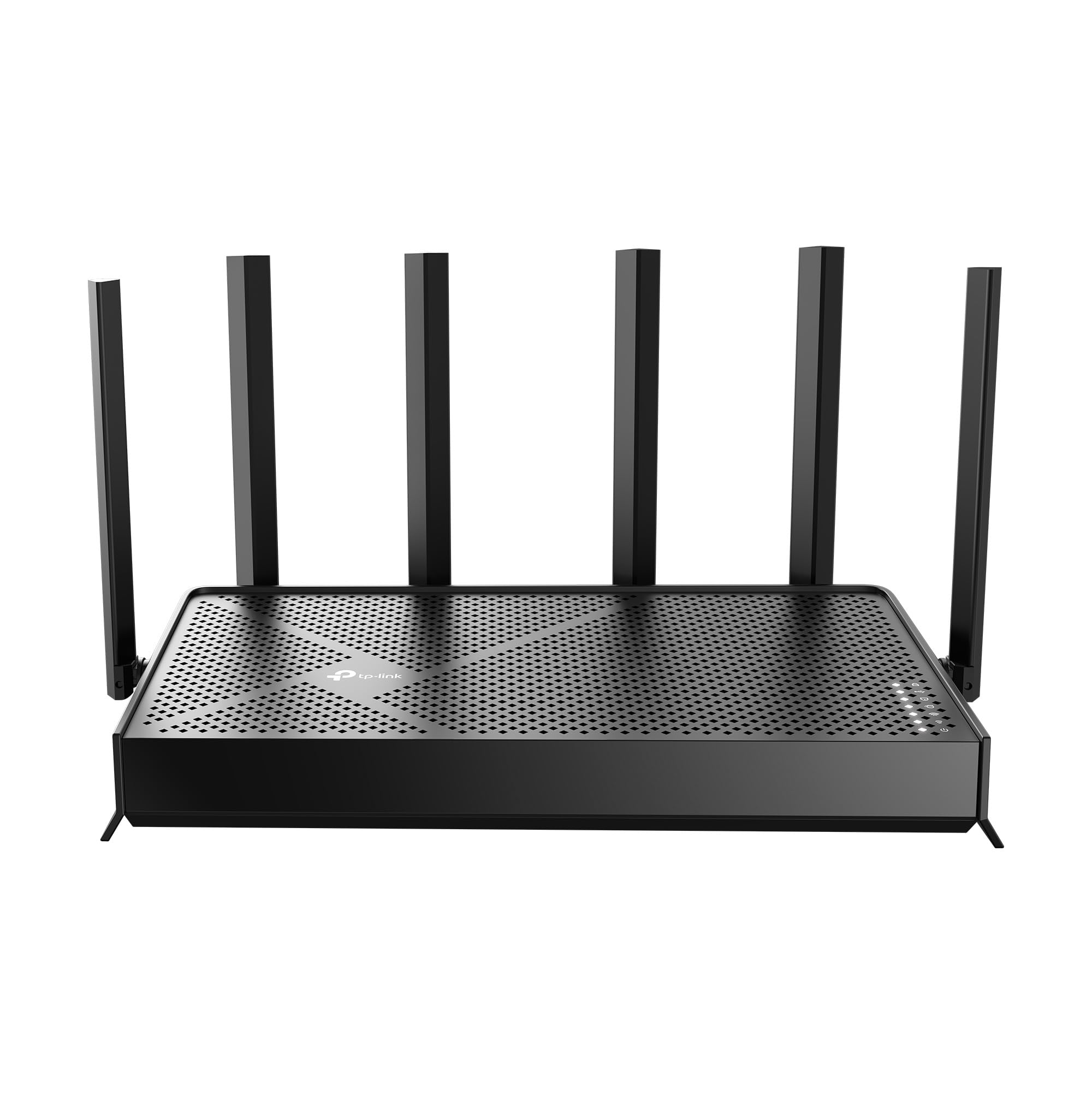
600+ ratings
Read Amazon ReviewsTP-Link Archer BE600
The BE600 is a better match if you need tri-band Wi-Fi 7, more multi-gig wired ports, or the higher stated coverage and device limits.
The BE230 is the simpler fit for buyers whose needs are covered by dual-band Wi-Fi and two 2.5 Gbps ports.
- The Archer BE600 is a tri-band Wi-Fi 7 router with a 6 GHz band, up to 320 MHz channels, and a 10 Gbps WAN/LAN port, a 2.5 Gbps WAN/LAN port, and three 2.5 Gbps LAN ports.
- Its stated coverage is up to 2,600 square feet for up to 120 devices.
- The Archer BE230 is dual-band and lists up to 2,000 square feet of coverage for up to 60 devices, with two 2.5 Gbps ports.
Is Archer BE230 Worth It?
The TP-Link Archer BE230 is worth considering for a home that wants Wi-Fi 7 features, app-based management, and a stronger wired port mix than a typical Gigabit router.
Its dual 2.5 Gbps ports make it especially relevant when the internet connection and at least one wired device can use that extra capacity.
Treat the coverage and speed figures as maximums, and plan for a separate modem.
If 6 GHz is a priority, its dual-band design is the key reason to choose another router; otherwise, the BE230 offers a well-rounded set of features for a multi-gig-ready home network.
Your review at a glance
1,000+ ratings
Read Amazon ReviewsTP-Link Archer BE230
A fit for homes seeking Wi-Fi 7, multi-gig wired ports, and app-managed setup without needing a 6 GHz band.
- Dual-band Wi-Fi 7 with maximum rates of up to 2882 Mbps on 5 GHz and 688 Mbps on 2.4 GHz.
- Wi-Fi 7 features include Multi-Link Operation, Multi-RUs, and 4K-QAM.
- One 2.5 Gbps WAN/LAN port, one 2.5 Gbps LAN port, and three 1 Gbps LAN ports.
- Four internal antennas and beamforming, with stated coverage up to 2,000 square feet and up to 60 devices.